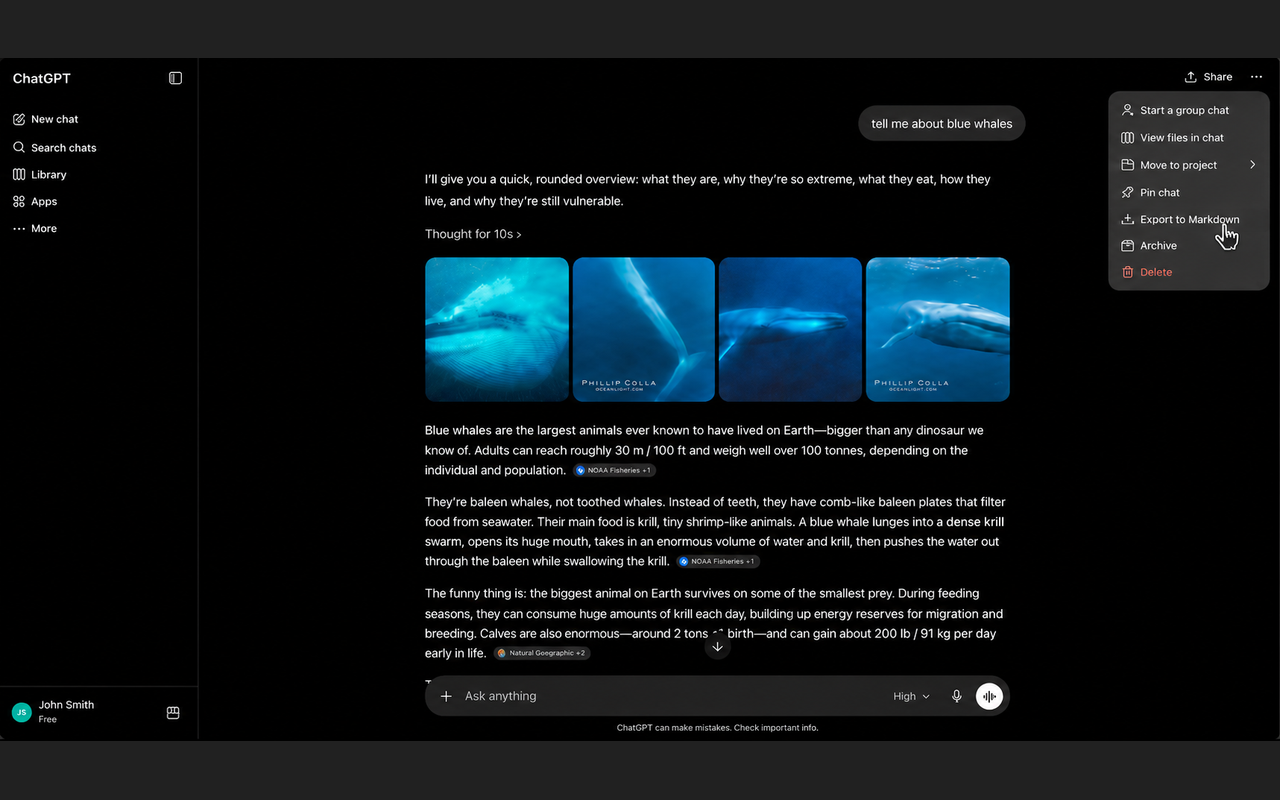
Export any conversation with one click — formatting, code blocks, and all. Works right from the chat menu.
Add to Chrome — Free5 free exports/day · Unlimited for $4.99 once
Export from the ••• menu next to any conversation, or from the extension icon in your toolbar.
Code blocks with language tags, headers, bold, lists, tables, and links — all faithfully preserved.
Everything happens locally in your browser. No data is sent to any server — ever.
Open exported files in Notion, Obsidian, VS Code, Typora, or any Markdown-compatible app.